
{{ getFeatureName(action_mode) }} your image

Drop your image here.
Our popular AI tools
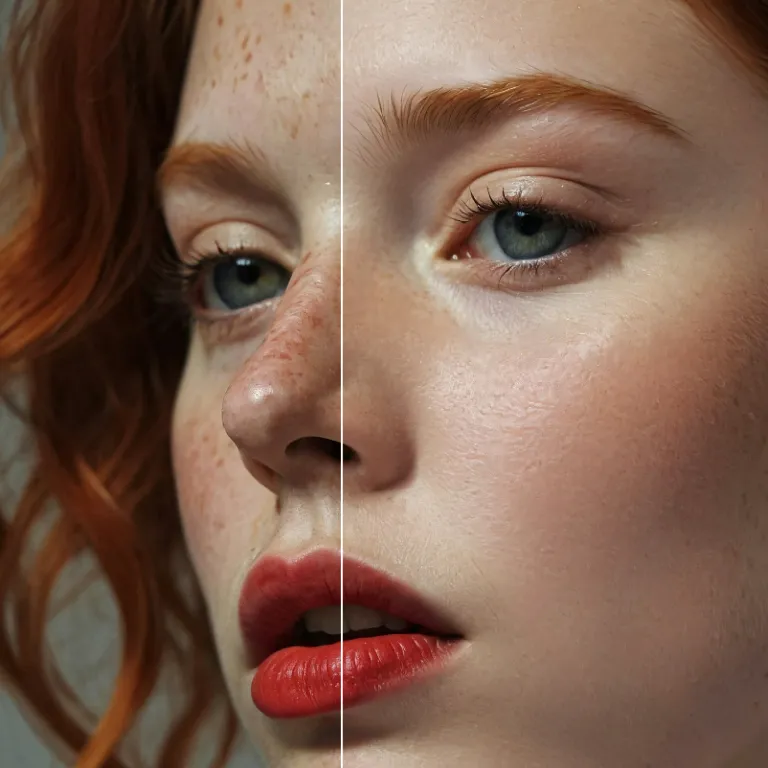
Enhance Photo
Automatically enhance the blurry photo's resolution and increase the overall quality.
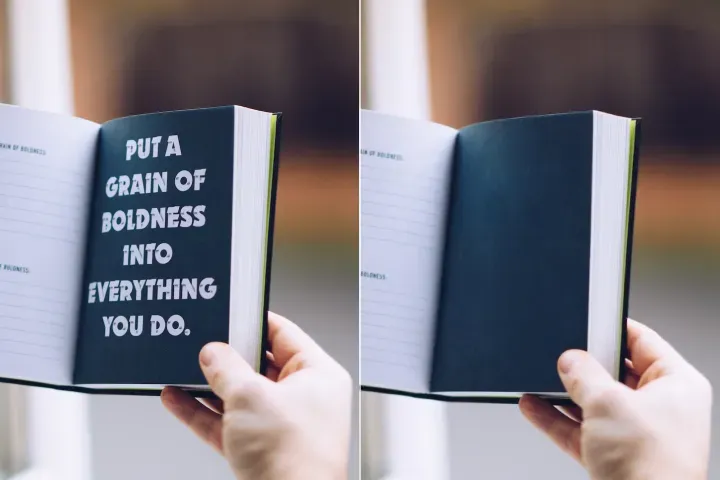
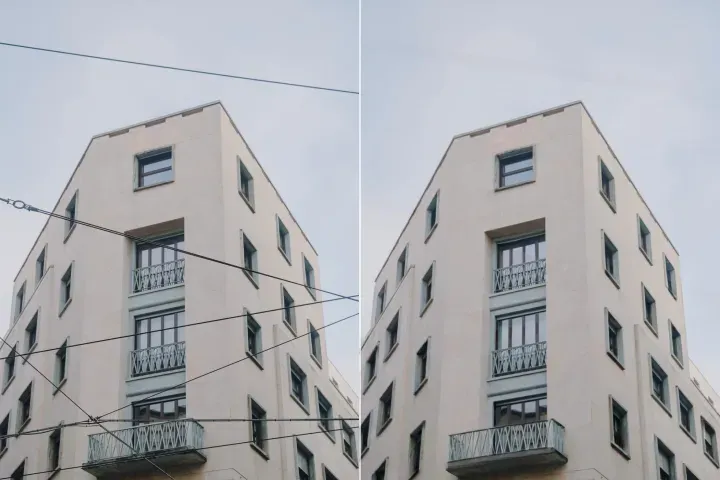
Remove Objects
AIPhotor's One-Touch AI simply detects and removes unwanted details in your picture.
Remove Background
Seamlessly remove background from photos. Edit background with 100+ well-designed templates.
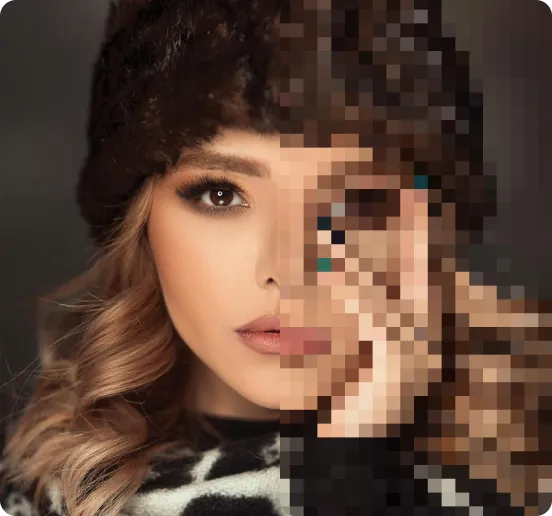
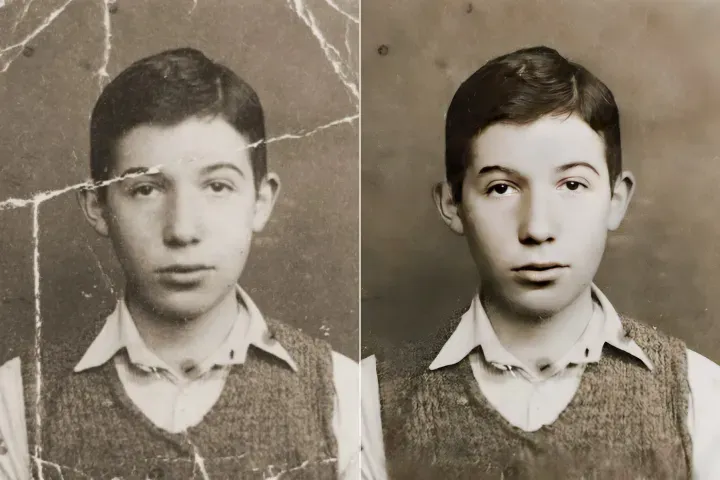
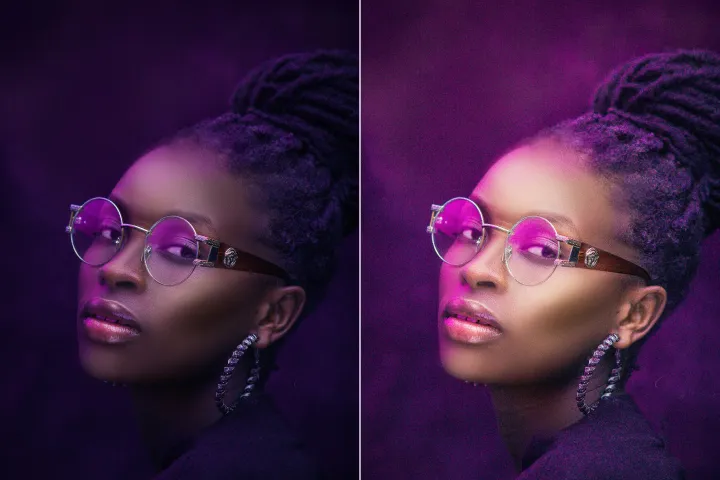
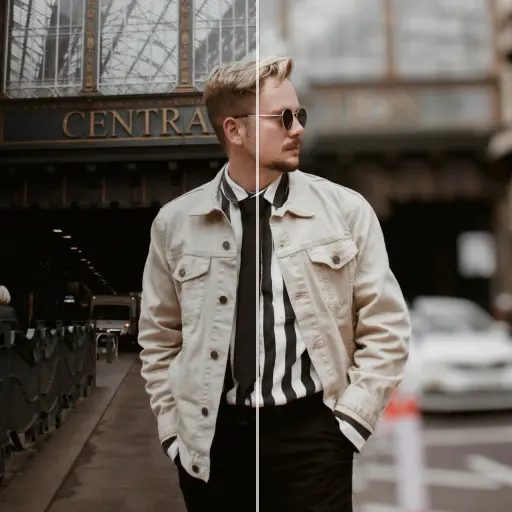

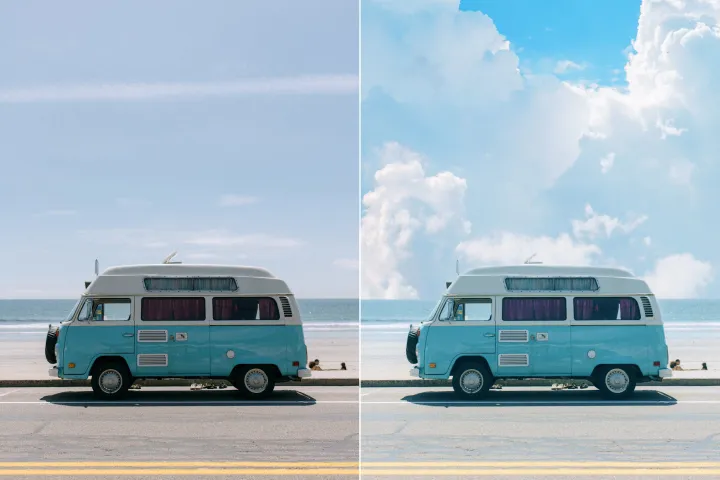
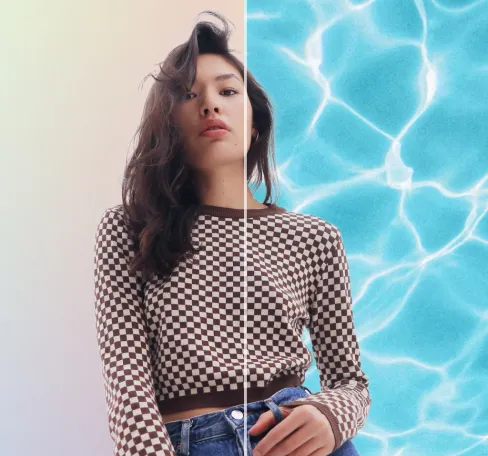
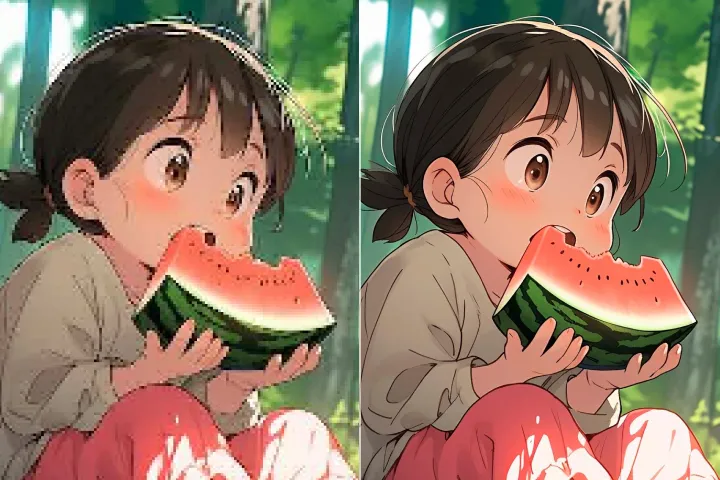
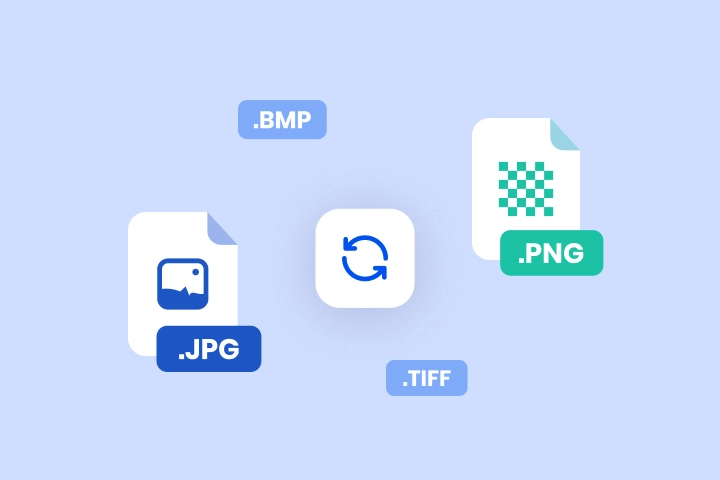
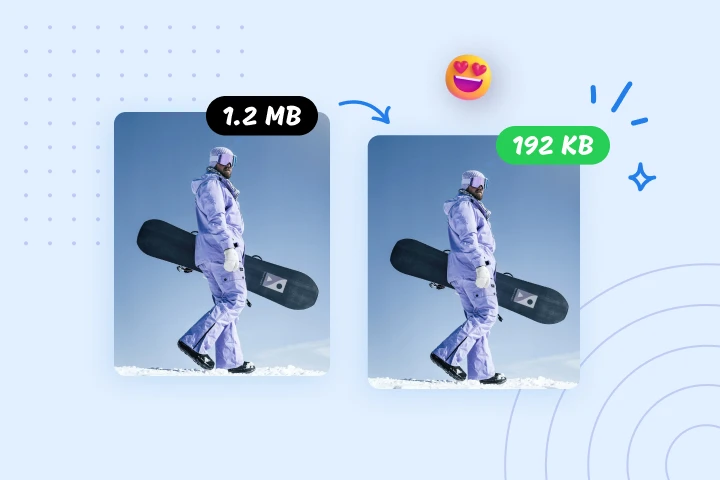
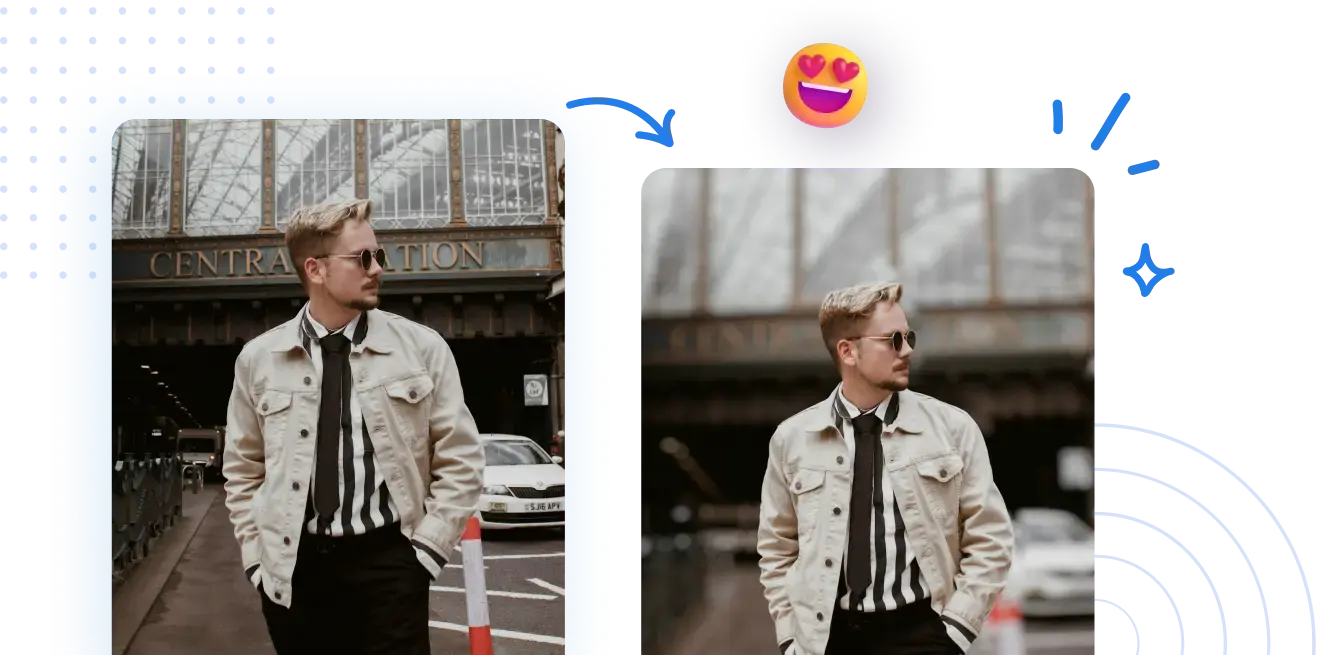
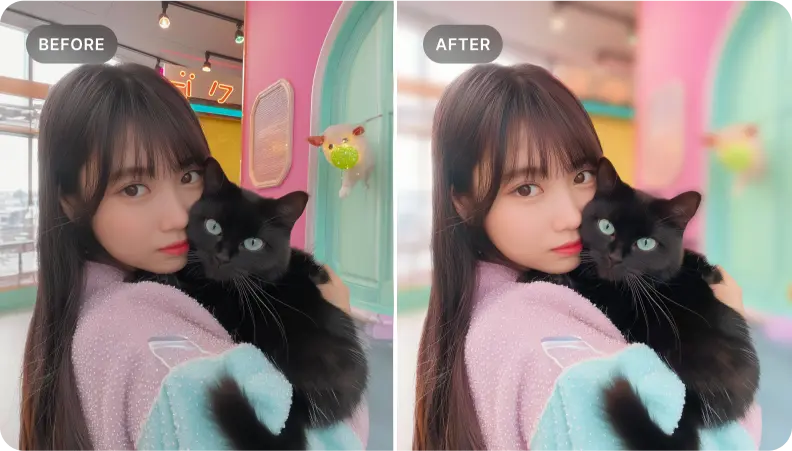
Blur Photo Backgrounds for Free
Easily optimize PDF readability and layout with structured background and content adjustments. Free and fast!



How to optimize your PDF background and layout online
No complex setup required. Enjoy clear, comfortable PDF viewing with just a few clicks.
1 Upload your photo
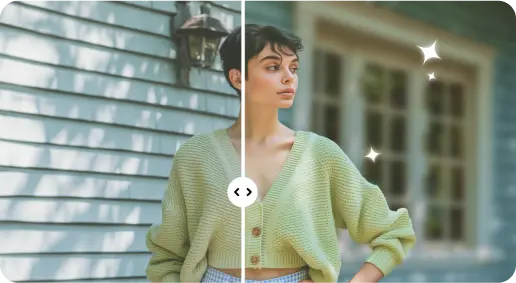
2 Apply AI blur effects

3 Download the photo
Edge - Perfect Background Blur Tool
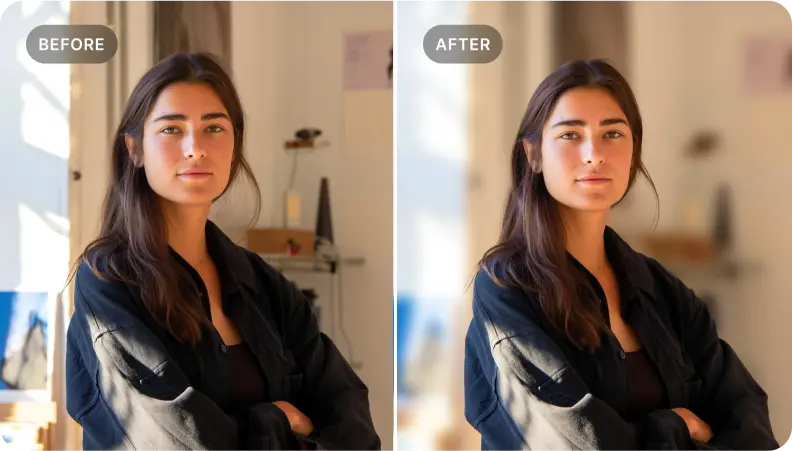
Add depth to portrait photos
Apply structured organization to your PDF to create depth in reading flow, guiding attention to key sections and improving comprehension.
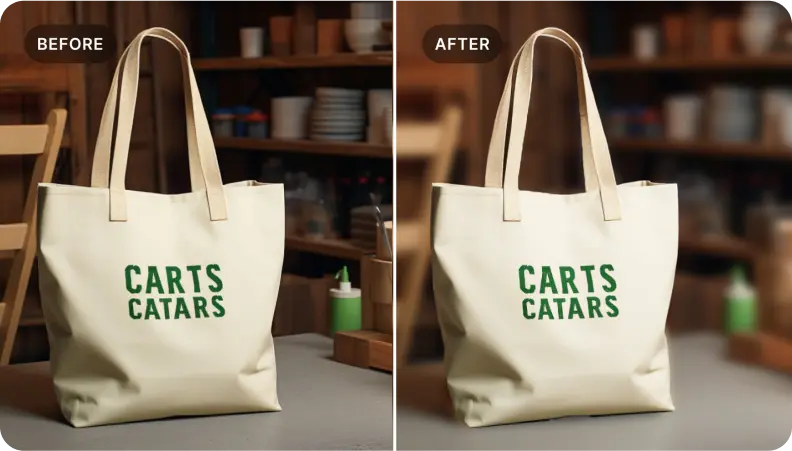
Enhance PDF catalogs for product presentations
Similarly, adjust page backgrounds and spacing to emphasize content. Highlight key details and create readable, visually compelling PDFs that engage audiences and support decisions.
Highlight key elements within your PDF
Ideal for documents that need emphasis on headings, callouts, or figures—soften surrounding content to create clean, focused PDFs that convey your message.

Free to Try
AIPhotor is free to try for 3 days, after which you can subscribe to one of our incredible value plans.

Free to Try
We automatically sharpen and transform your images with AI to create multiple final looks. But you can also adjust and add a prompt to customize the results. Choose what works best for you!

Quick & Easy
Screen, edit, resize and download your photos lightning fast.

Compatible with all devices
AIPhotor is available on the iOS and Android stores. Our app works seamlessly across mobile, desktop, and tablet devices.
Frequently Asked Questions
-
What is AIPhotor Photo Editor?

 AIPhotor is a visual online photo editing website that leverages AI technology to help automatically remove objects/people from images; retouch, enhance, colorize, correct, cartoonize, and animate photos in a snap, replacing other photo editing tools Photoshop, Pixlr editor, or Photopea.
Or just drag & drop image here, upto 50 images at once
Or just drag & drop image here, upto 50 images at once
Frequently Asked Questions
-
What is AIPhotor Photo Editor?
AIPhotor is a visual online photo editing website that leverages AI technology to help automatically remove objects/people from images; retouch, enhance, colorize, correct, cartoonize, and animate photos in a snap, replacing other photo editing tools Photoshop, Pixlr editor, or Photopea.