Drop files here
Compress PDF file
Reduce PDF size while preserving the highest-quality, readable viewing and organized structure.
Select PDF files

or drop PDF here
Easily reduce PDF sizes online with our free compression tool, designed to keep pages legible, preserve document structure, and support smooth navigation.
-
Reduce file size while preserving readability and visual clarity for comfortable viewing.
-
Quick, simple, and effective PDF compression.
-
Perform PDF compression from any browser, device, or platform to support consistent viewing.
Top Online PDF Compression Tool
Compress large PDFs quickly to keep pages clear and navigable. Ideal for sharing, emailing, archiving—while remaining completely free.
Flexible PDF Compression
Choose from multiple compression levels to shrink file size without sacrificing readability or structured layout. Consistent, reliable results for viewing-focused workflows.
How Does PDF Compression Work?
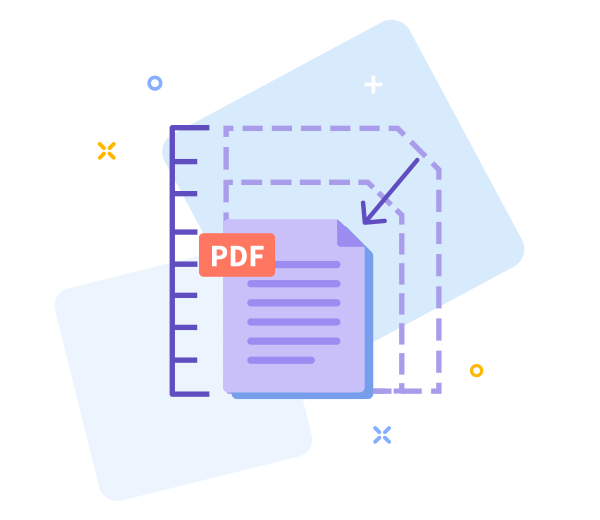
We optimize images and remove redundant patterns to reduce size while preserving page clarity, readability, and a clean, organized document structure.

Easy Sharing Once You’re Done
Smaller PDFs enable easier viewing and faster sharing. After compression, instantly generate a download link for quick, organized distribution.

Work Faster With Smaller PDF Files
Get started now for effortless viewing-focused compression—no installation required, with fast, simple results.
Compress Across All Devices
Compress from any device or browser, so you can view, organize, and manage PDFs anytime, anywhere.
Data Regulation Compliance
We protect your personal data with strict privacy standards, supporting safe viewing and organized workflows.
Easily adjust PDF viewing and organization options if you're not satisfied.
If the result doesn't meet your viewing and navigation needs, return to the previous screen with one click and adjust how pages are displayed and organized.
High - Tech Encryption
Your documents are protected with advanced TLS encryption, ensuring secure viewing and organization workflows.
Compress Your PDF in the Cloud
Our cloud-based tool supports effortless PDF viewing and organized workflows. Upload your PDF, select your preferred viewing and compression level, and let the system manage the rest. It’s free to use while you're online.
Frequently Asked Questions
Yes. This Compress PDF tool is free to use online for improved PDF viewing and organization. You can reduce PDF file size without registration, watermarks, or software installation, enabling quick, comfortable viewing and easier page navigation. Some limits may apply based on file size or usage.
The tool balances file size reduction with document quality to support clear viewing and organized flow. Text readability and layout are preserved while optimizing images to achieve smaller file sizes, aiding structured, visually controlled PDF workflows.
Yes. All files are protected with secure HTTPS encryption during upload and processing. Uploaded PDFs are automatically deleted from our servers after a short period to ensure privacy and data security, keeping your viewing environment calm and organized.

Steps to view and organize PDFs online for free
Follow these simple steps to view and organize your PDF at no cost:
- Drag and drop your PDF into the tool to open it for clear viewing.
- Choose a compression level that preserves readability while optimizing file size for easier viewing and navigation.
- Click “Compress PDF” to apply optimization and refresh the document for smoother viewing.
- Download the optimized PDF to your device for quick access and improved viewing, navigation, and organization.
Frequently asked questions about our PDF viewing and organization tools.
-
Is this PDF viewing and organization tool free to use?
Yes. All PDF viewing and organization features are available at no cost.
-
Is your compression tool safe?
Absolutely. Every step of the process is fully encrypted to keep your PDFs secure during viewing and organization.
 Remove pages



This file requires password
Ignore these files

wrong password
Some file(s) requires password
Damaged/Corrupted File
We can’t process corrupted or damaged PDF files. To confirm, open the file in any PDF viewer; if it won’t open, the file is likely damaged. Restore a clean copy before retrying.