Drop files here
Extract PDF Pages
Create a focused PDF containing only the pages you want for streamlined viewing
Select PDF files

or drop PDF here
Extract the pages you need from any PDF, directly in your browser, for a smooth viewing workflow—completely free. No registrations, downloads, or paid software required.
-
Free to use — no apps or installations required for quick viewing and organization.
-
Save extracted pages as a single PDF or split into multiple PDFs for clearer viewing and organization.
-
Fast and unlimited PDF page extraction
Leading Online Tool for Extracting and Organizing PDF Pages
Our tool enables quick, accurate extraction of PDF pages to support clear viewing and organization. Select the pages you want and download instantly—no software to install.
Separate Pages From a PDF
Select specific pages to create a single PDF or split them into multiple files with our free, easy-to-use online tool.
Start for Free - Right Now
No software installation is required. Simply drag and drop your PDF into the tool to extract the pages you want with reliable accuracy for clear viewing.
How Does PDF Page Extraction Work?
Upload your PDF, choose your extraction options for a structured viewing result, and click 'Extract PDF'. Your new file will be ready to download shortly.
Frequently Asked Questions
Yes. This online Extract PDF tool is free to use and supports viewing-focused extraction. You can extract selected pages without registration, watermarks, or software installation.
Upload your PDF, select the pages to extract to improve navigation and readability, and process online. The tool generates a new PDF with only the chosen pages, while preserving the original file.
Yes. Files are protected with HTTPS during upload and processing to support secure viewing and handling. Uploaded PDFs and extracted files are automatically deleted from our servers after a short period to protect privacy and data security.

How to extract, view, and organize PDF pages online for free.
Step-by-step guide for viewing and extracting pages from a PDF online:
- Select or drag and drop your PDF to begin viewing and organizing.
- Select “Split by Range” or “Extract Pages,” then choose options to control how pages are viewed and organized.
- Click the "Extract PDF" button.
- Wait a moment, then download the resulting PDFs for easy viewing and an organized document structure.
 Remove pages


 Add Range

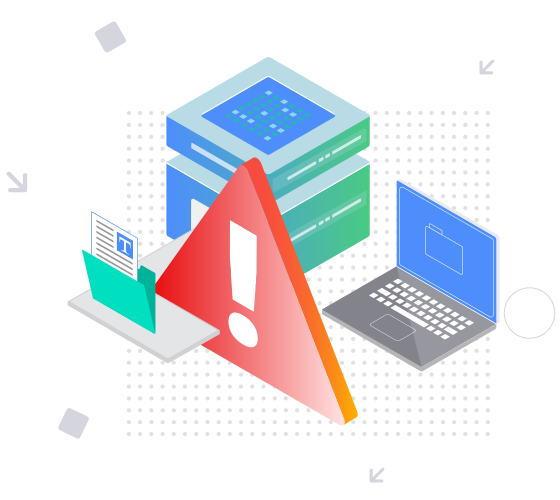


This file requires password
Ignore these files

wrong password